Prompt better
Give the AI a clear person, story, symbol, and style.
A few minutes of preparation can save revisions. Learn how to describe the story, check the flat art, and decide when a mockup is ready.
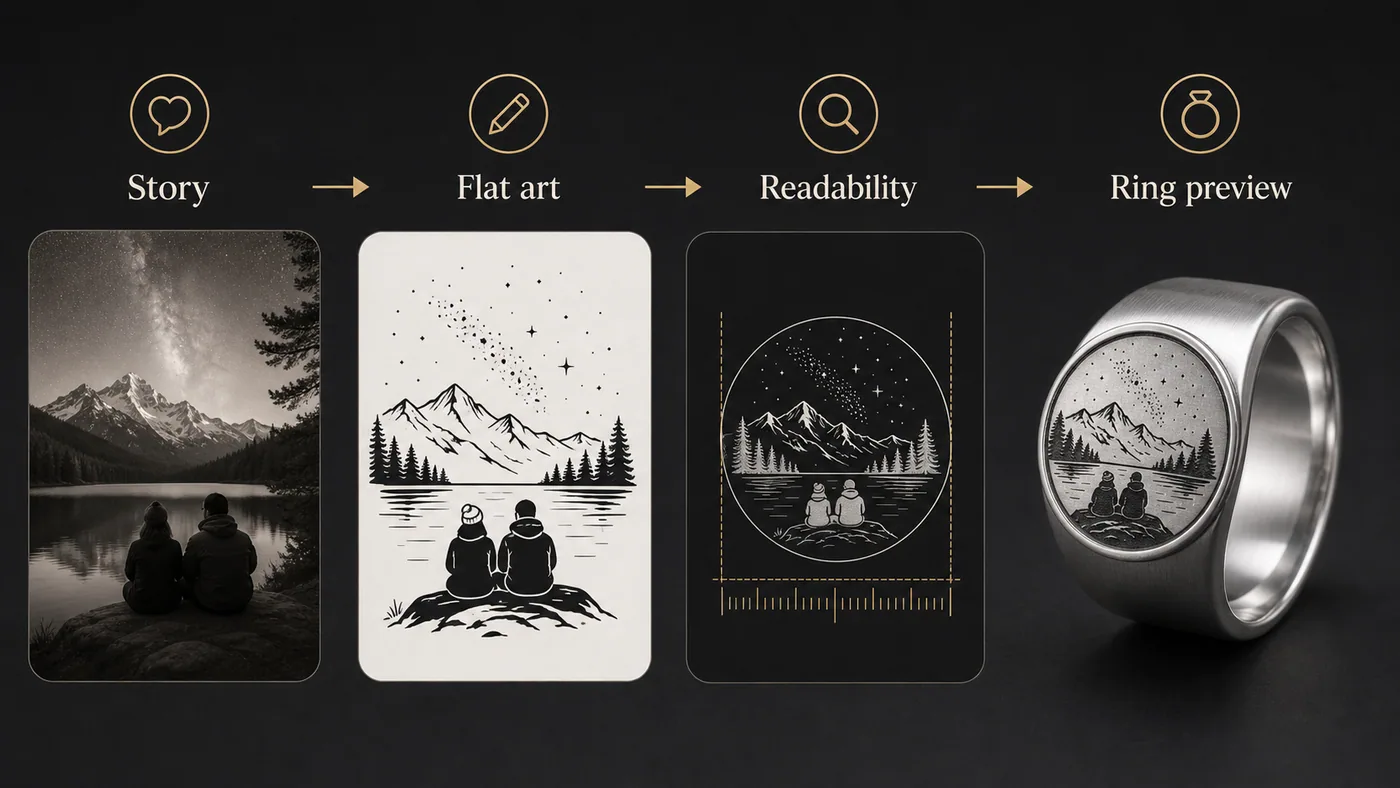
Give the AI a clear person, story, symbol, and style.
Check whether the design works before judging the shiny preview.
Save promising designs and continue toward checkout when the concept is clear.
Before generating, write one sentence about the person and one sentence about the visual. Then add constraints: realistic, black-and-white, engravable, no cartoon style, no tiny text.
After the first preview, revise one thing at a time. This makes the design process faster and easier to recover when an image is close but not ready.
Yes. The training video is embedded on the page.
Watch on page
Watch the design walkthrough before you spend credits or checkout.